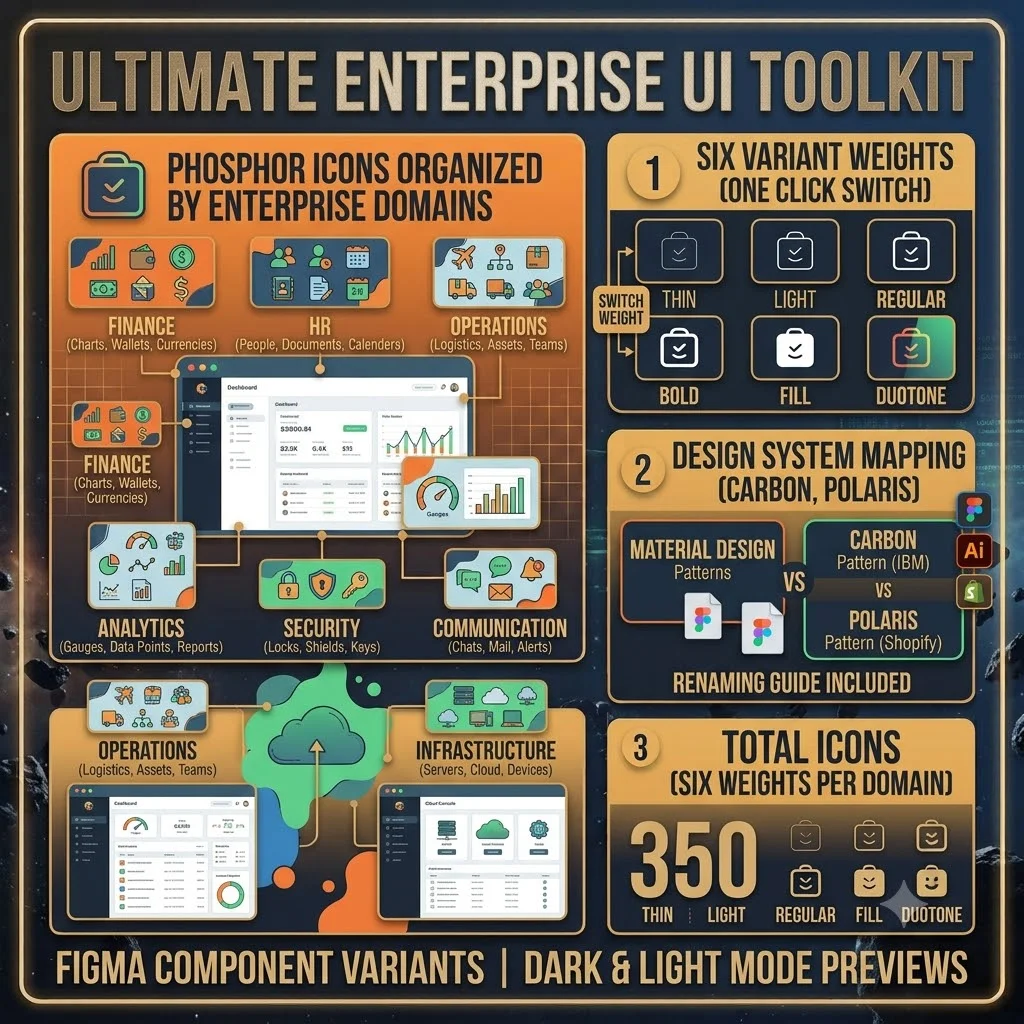
Phosphor icons are great — six weights, tons of variety. But downloading them individually and guessing which weight pops on a dark dashboard gets old fast. This kit does the sorting for you. It takes the whole Phosphor system and organizes everything by the domains you actually work with: finance, HR, operations, analytics, security, communication, infrastructure. Every icon in all six weights, ready to go.
The Figma file uses component variants, so switching between thin, light, regular, bold, fill, and duotone takes one click. The dark mode preview board shows duotone and fill weights against dark backgrounds; the light mode board shows thin and light on light backgrounds. There’s also a naming guide that maps everything to Material Design, IBM Carbon, and Shopify Polaris patterns — so the icons drop into your existing design system without you having to rename a single file.